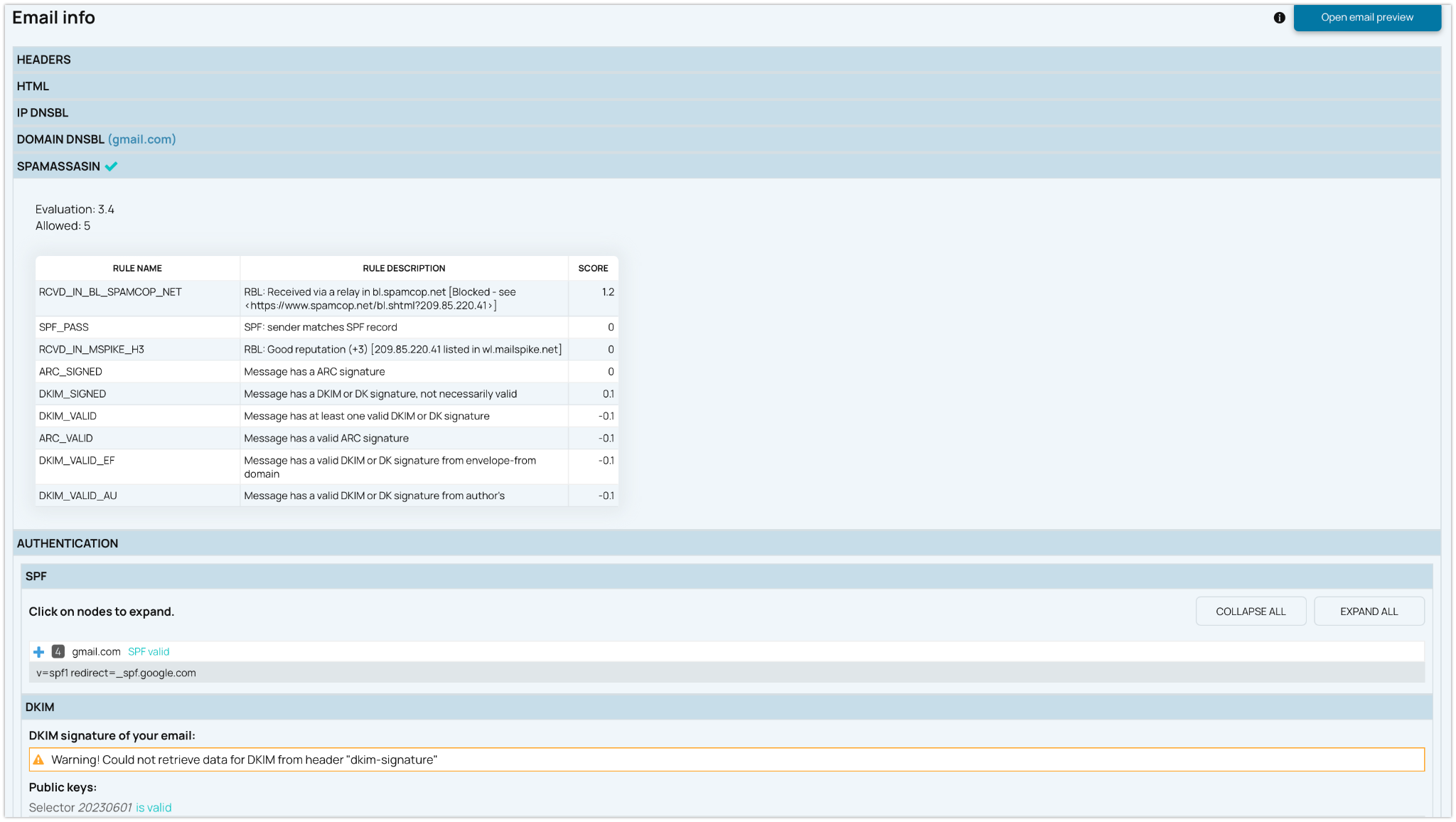
A domain lookup can show whether your sending domain appears on selected blacklists or DNSBL services.
But domain reputation depends on more than one list result. Review the surrounding signals too: DNS records, SPF, DKIM, DMARC, sending sources, link domains, subdomains, IP reputation, and recent reputation changes.
Domain Blacklist and DNSBL Status
See whether the domain is detected on monitored blacklists or DNSBL services and identify which list triggered the result. If the domain is listed, fix the source of the problem first: compromised forms, suspicious links, high complaint rates, poor list quality, spoofing, phishing, or abusive sending. Then request removal and continue monitoring for new listing events.
Reputation, Trust, and Security Signals
Use the result as an early warning signal for spam, abuse, phishing, low sender trust, or security issues connected to a domain. A clean status is useful, but it should be reviewed together with sender reputation, domain history, engagement, and mailbox provider feedback.
DNS Authentication and Sending Source Context
Blacklist status is only one part of domain health. Review the same domain together with
SPF,
DKIM,
DMARC,
HELO/EHLO alignment,
FCrDNS, sending IPs, link domains, and
subdomain separation. This helps you understand whether the domain looks consistent and trustworthy to mailbox providers.