API integration
API link: Explore API
Create a new API Key
Go to User → Settings → press “Create New Api Key” to create a new API Key. If you don’t see API section or “Create Api Key” button, please contact [email protected] to enable API integration.

Copy API Key.
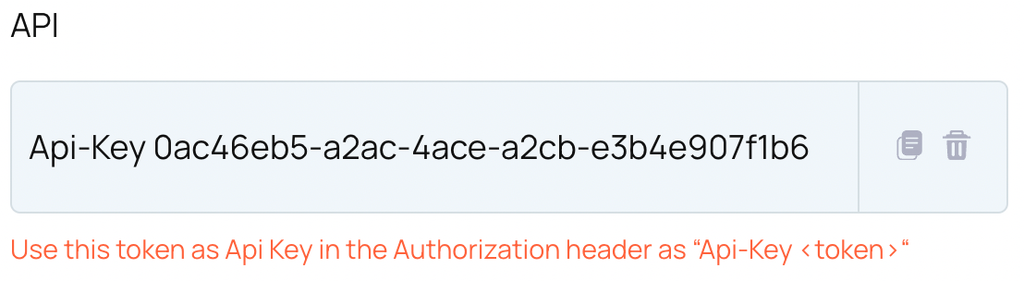
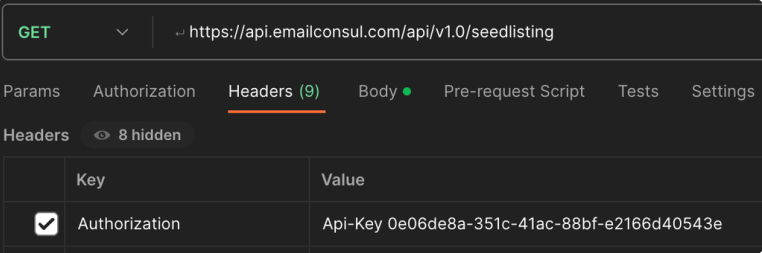
Use the newly created API Key in the Authorization header as Api-Key <token>
Make sure you have all required policies attached to your account.
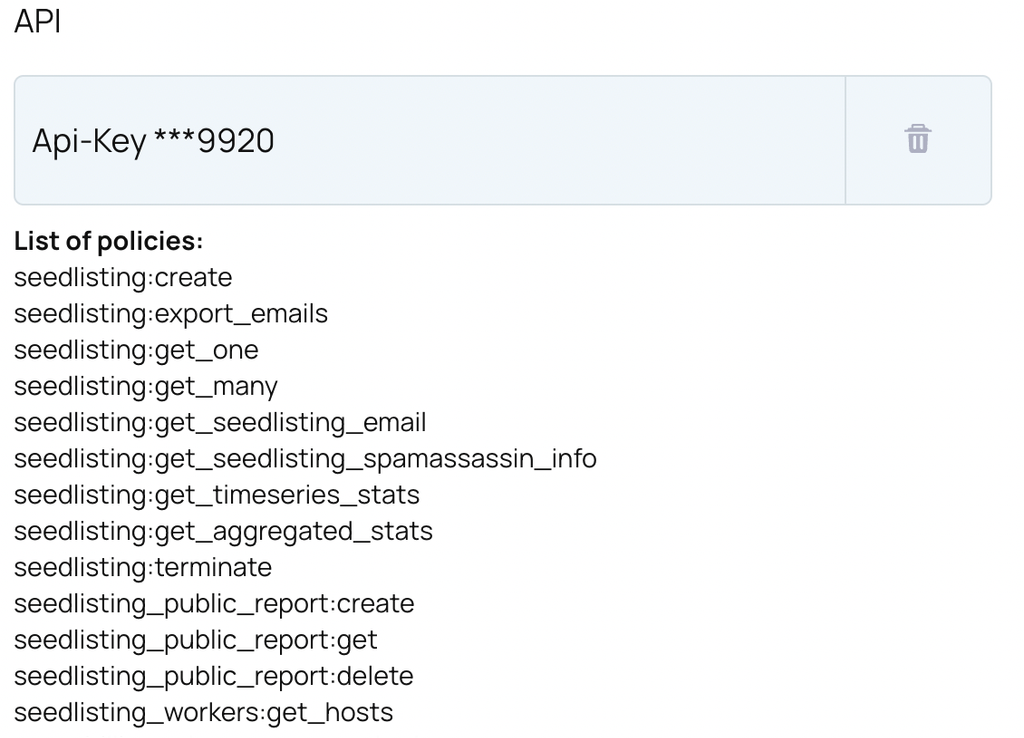
If any policies has been missed or some of the API does not work, please contact [email protected] to attach more policies to your account.
Once you remove an Api Key then the removed Api key will not work, until you create a new one and attach it in the Authorization header