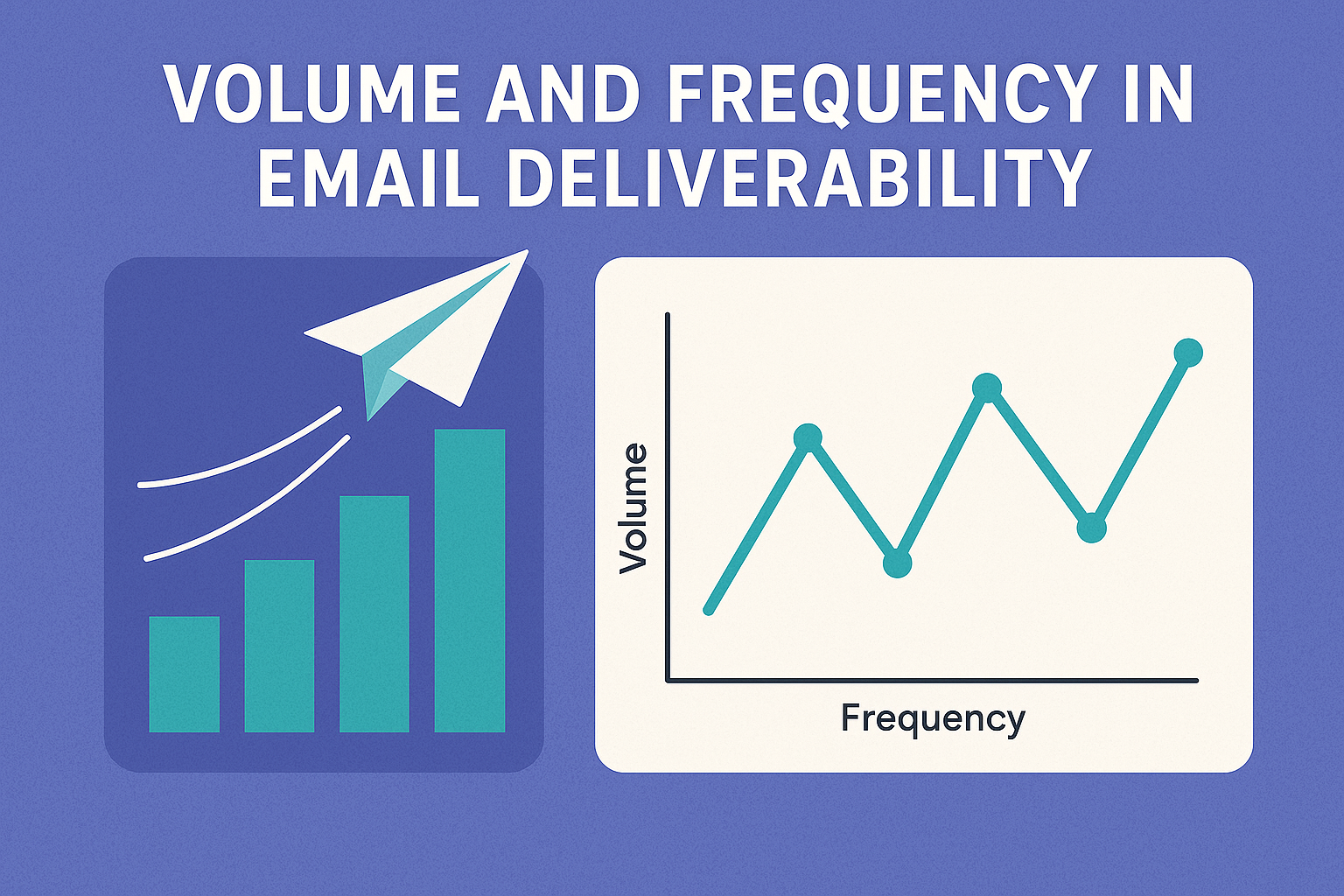
Email Deliverability & Sending Behavior: Why Volume and Frequency Matter More Than You Think
So you're sending emails - great! You've got good content, solid subject lines, and you're hitting that "send" button like a pro.
But... are you landing in the inbox or the spam folder?
Here's the truth: It's not just what you send - it's how often and how much you send that can make or break your email deliverability.
Let's talk about sending volume and frequency - the invisible forces that shape how mailbox providers judge your emails.
📊 Volume: How Much Is Too Much?
Imagine you're Gmail. One domain just sent you 10,000 emails out of nowhere. You've never seen this sender before. No warmup, no gradual increase - just a massive burst.
What would you do?
Right. You'd probably raise an eyebrow... or trigger a spam filter.
That's how mailbox providers (like Gmail, Outlook, Yahoo) think. Sudden spikes in sending volume are suspicious. It might look like a spammer just popped up with a fresh domain.
❌ What Happens When Volume Is Inconsistent or Too High?
- Spam filters become more aggressive
- Reputation drops (especially for new IPs or domains)
- Bounces increase
- Delivery delays or outright blocking
✅ What Should You Do?
Warm up slowly. Start with a small segment of your most engaged subscribers, then gradually increase your volume over days or weeks. This is especially crucial for:
- New domains or IPs
- After a long period of inactivity
- When moving ESPs or infrastructure
Think of it like jogging. You don't run a marathon on day one - your reputation needs stamina.
⏱️ Frequency: How Often Should You Send?
You might be thinking: "Great, I won't send a million emails at once. But how often should I send?"
Mailbox providers love consistency. If you send 3 emails today, none for two weeks, then 5 the next day... that's a red flag.
Unpredictable frequency = unpredictable sender = untrusted sender.
Here's what helps:
- Stick to a regular schedule - daily, weekly, or monthly, just be consistent.
- Match frequency to user expectations - if someone signed up for weekly updates, don't suddenly start sending daily.
- Avoid long silences - dormant sending leads to cold domains, which need rewarming.
🔥 The Power of a Sending Rhythm
When volume and frequency align in a clean, rhythmic pattern, you build trust.
Mailbox providers recognize your sending patterns and treat your emails like expected visitors, not digital intruders.
A healthy sending rhythm means:
- Stable reputation
- Fewer bounces
- Better inbox placement
- More opens, clicks, and replies
It's like being a good neighbor: you don't show up banging on the door once a month and disappear - you pop by regularly and politely.
🚨 Warning Signs: When Things Go Wrong
Watch out for:
- Sudden drops in open rates
- Increased bounce rates
- Spike in spam complaints
- Delivery delays
These can all be signs that your sending pattern is off - either too erratic, too aggressive, or too inactive.
💡 Tips to Stay in the Safe Zone
- Warm up domains and IPs gradually
- Monitor your sending reputation (use Google Postmaster, SNDS, or tools like EmailConsul)
- Segment your list by engagement level
- Use suppression lists to avoid sending to unengaged or bounced addresses
- Track performance per provider (Gmail vs Outlook vs Yahoo, etc.)
📬 Final Thought
Email deliverability isn't magic - it's behavioral trust.
Mailbox providers are watching your habits, not just your content.
If you treat email like a relationship - showing up regularly, respectfully, and with good timing - you'll earn your place in the inbox.
So next time you plan a campaign, don't just ask: "What should I say?"
Also ask:
"When and how often should I say it?"
Because in email, timing really is everything.
Need help tracking your sending volume, frequency, and inbox placement?
📈 EmailConsul gives you the insights you need to build trust and stay out of the spam folder. Try it today.