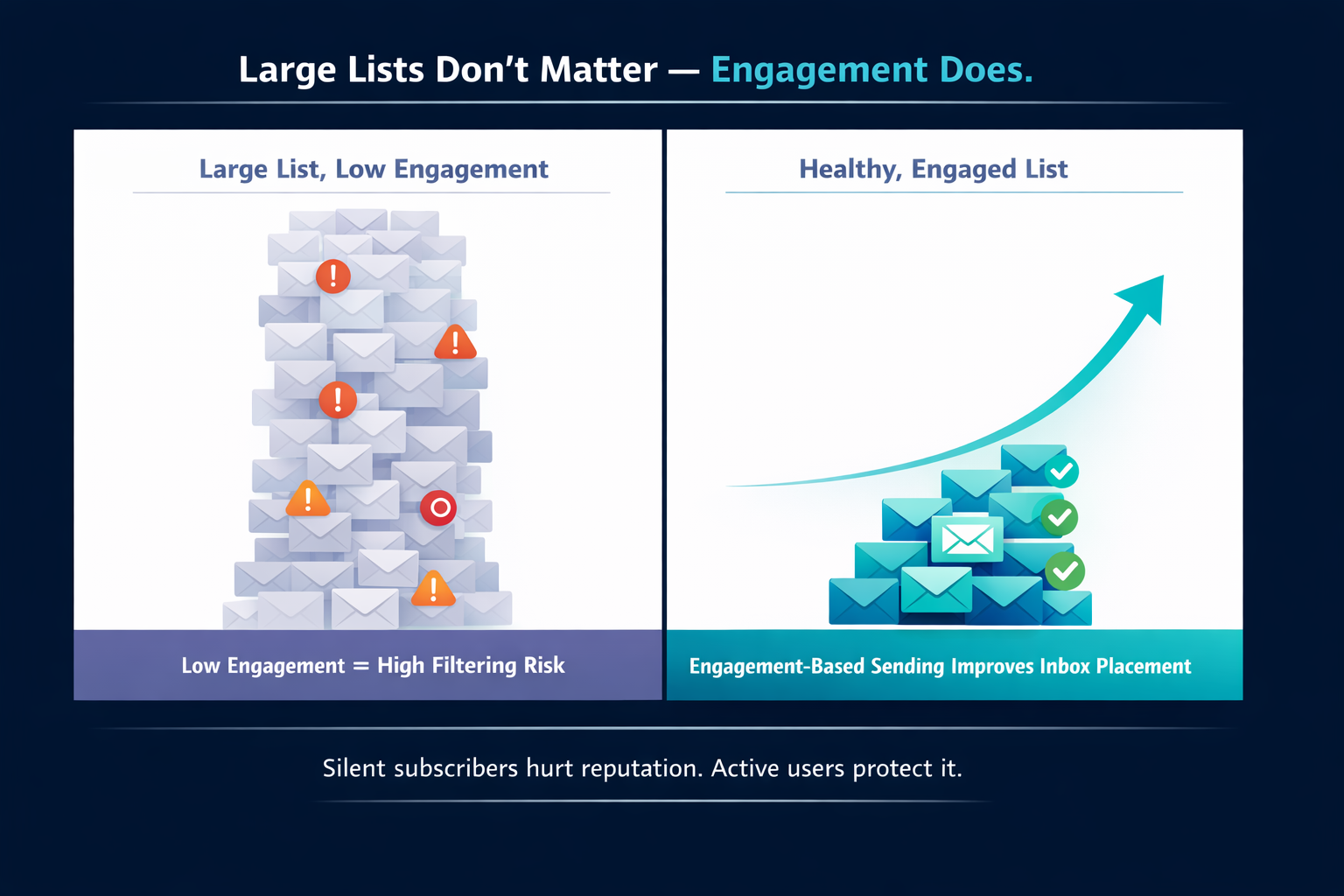
Large Lists, Low Open Rates: How to Handle Low Engagement Without Falling Into Spam
Growing an email list is great—until low engagement starts hurting your sender reputation. Gmail, Outlook, Yahoo, and Apple Mail now rely heavily on behavioral signals to decide whether your message lands in Inbox, Promotions, or straight into Spam. And nothing damages those signals faster than a large, under-engaged list.
If your open rates are dropping, your deliverability is already at risk. Here’s how to fix it before mailbox providers make the decision for you.
Why Low Engagement Is Dangerous
Mailbox providers track how users interact with your emails. They score your domain and IP based on:
- Opens
- Clicks
- Replies
- Deletions without reading
- “Not interested” or “Unsubscribe” actions
- Spam complaints
- Long-term inactivity
A list full of silent subscribers signals poor relevance. The result: your messages are more likely to be filtered away from the Inbox.
Practical Steps to Improve Engagement Before It Hurts Deliverability
1. Segment by Activity — Not by Demographics
Your most powerful segmentation is based on recent engagement.
- Active (0–30 days) → send regularly
- Warm (31–90 days) → reduce frequency, test new content
- Cold (90–180 days) → move to re-engagement
- Dormant (180+ days) → suppress automatically
Do not send broad campaigns to everyone. Engagement-based sending is now the industry standard.
2. Reduce Sends to Low-Activity Segments
For cold users (90–180 days):
- Send 1 email every 1–2 weeks
- Test different subject lines (personalized, curiosity-driven)
- Use “We miss you” or value-focused content, not heavy sales pushes
Low-activity subscribers should never receive the same volume as your active audience.
3. Run a Re-Engagement Campaign With Clear Triggers
A re-engagement sequence typically includes:
- Reminder of value (“Here’s what you’re missing”)
- Updated preferences (“Choose what you want to receive”)
- Urgency (“We’ll pause emails if we don’t hear from you”)
If users do not engage after 2–3 messages, automatically suppress them.
4. Clean Your List Regularly
High-quality lists produce high deliverability.
Remove:
- Hard bounces
- Long-term inactives (180–365 days depending on niche)
- Spam traps (EmailConsul can detect patterns associated with trap activity)
- Invalid or mistyped addresses
For large senders, list cleaning should happen every 30–60 days.
5. Warm Up New Content or New Sending Patterns Gradually
If your open rates are low, do not suddenly increase volume.
Mailbox providers interpret sudden spikes as suspicious behavior.
Increase daily sending by 5–10%, not 50–100%.
Key Engagement Thresholds You Should Monitor
These are general benchmarks across major mailbox providers:
- Open rate risk zone: below 12–15%
- Click rate risk zone: below 1%
- Spam complaint threshold: above 0.1% (Gmail/Yahoo are extremely strict)
- Bounce rate ceiling: 2% (anything above this damages reputation)
- Inactive subscribers: more than 40–50% of your list triggers filtering
If your metrics fall into these ranges, your deliverability is already under pressure.
Conclusion
Large lists are only valuable when they’re engaged. Sending to a massive, unresponsive audience is one of the fastest ways to ruin domain reputation and end up in Spam folders.
By segmenting based on engagement, reducing sends to silent subscribers, cleaning your list, and watching key thresholds, you protect your deliverability—and ensure your messages continue landing where they matter: the Inbox.