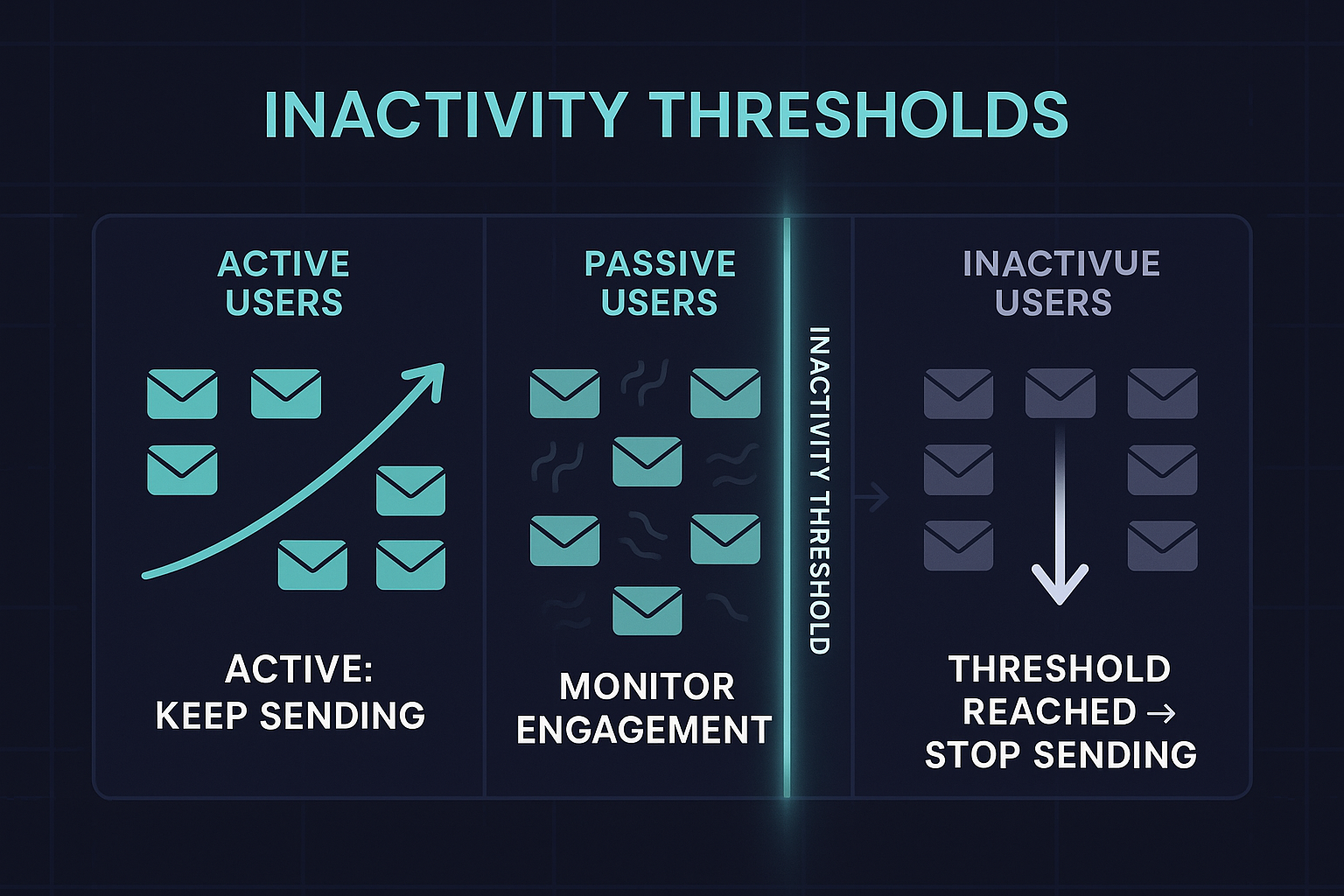
Inactivity Thresholds: The Most Overlooked Driver of Deliverability Health
Every sender wants better inbox placement, higher engagement, and a cleaner reputation. But while most focus on content, segmentation, or authentication, one of the most powerful—and neglected—levers is inactivity thresholds.
Mailbox providers judge senders based on how subscribers react. And the strongest negative signal today isn’t a complaint.
It’s silence.
Inactivity is not neutral.
It’s a form of negative engagement.
And senders who don’t define strict inactivity thresholds inevitably weaken their domain reputation—slowly, quietly, and often without noticing until it’s too late.
Let’s break down what inactivity thresholds are, why they matter, and how to design them effectively.
What Are Inactivity Thresholds?
An inactivity threshold defines how long a user can remain disengaged before you stop sending to them.
Traditionally, this was based purely on email signals:
- no opens
- no clicks
- no positive interactions
- no on-device activity
But modern engagement is bigger than inbox behavior.
Today, inactivity must also include:
- the last time a user logged into your website,
- the last time a user made a purchase or completed a meaningful action,
- the last known session or product usage,
- account activity in your platform.
Email behavior alone no longer tells the whole story—especially with Apple MPP, privacy changes, and multi-channel funnels.
If a subscriber hasn’t opened emails in 60 days but logged in last week?
They’re active.
If they opened an email 10 days ago but haven’t logged in or purchased in 12 months?
They’re functionally inactive.
This holistic approach is what modern deliverability requires.
Why Inactivity Thresholds Matter
1. Mailbox Providers Reward High Engagement Ratios
Gmail, Yahoo, Apple, and Outlook all rely on engagement modeling.
They evaluate:
- opens
- clicks
- replies
- message saves
- time spent viewing
- and increasingly: consistent positive behavior
But they also look at inactivity—at scale.
When too many emails go to users who never interact, mailbox providers assume:
“Your content is no longer relevant.”
And relevance = inbox placement
Irrelevance = spam.
2. Inactivity Accumulates Faster Than You Expect
In most databases:
- 20–40% are highly engaged
- 20–30% are passive
- 30–50% are inactive
The last bucket quietly damages deliverability.
This damage becomes exponential when senders:
- increase frequency
- run promotions
- or re-engage cold segments without a plan
Inactivity thresholds prevent this snowball effect.
3. Activity Outside Email Still Matters
This is the part most senders miss.
A “silent” email subscriber may still be:
- logging into your platform
- browsing your website
- resetting a password
- purchasing or renewing
- interacting with your app
These are strong positive signals—even if the inbox shows no opens.
And this is why your inactivity model must combine:
Email + On-site Engagement + Customer Lifetime Activity
This blended activity score protects revenue and deliverability.
What Happens Without Inactivity Thresholds
When inactivity isn’t controlled:
- open rates collapse
- complaints rise
- spam placement increases
- IP/domain reputation drops
- warming becomes harder
- ESP throttling intensifies
- Apple and Gmail begin filtering silently
This is one of the most common causes of long-term deliverability decline.
How to Build Effective Inactivity Thresholds
There is no universal number, but here are benchmark guidelines:
📌 Email-only thresholds (traditional)
- B2C: 60–90 days
- B2B: 90–120 days
- High-frequency: 30–45 days
- Low-frequency: 120–180 days
📌 Modern thresholds (recommended)
Combine:
- last email open/click
- last website login
- last purchase or billing event
- last product/session activity
- account health indicators
This creates a true engagement score, not a narrow email-based model.
Add a Sunset Policy
An inactivity threshold without a sunset process is incomplete.
An effective sunset flow includes:
- A reactivation message (value-first, not urgency-driven)
- A preference center link
- A confirmation step (“Do you want to stay on the list?”)
- Final suppression until the user reconfirms
This protects your reputation and respects user intent.
How Inactivity Thresholds Improve Deliverability
Once you stop mailing disengaged users:
- inbox placement rises
- engagement signals increase
- spam filtering decreases
- domain/IP reputation recovers
- complaint rates drop
- warmups become smoother
- consistency and predictability improve
Mailbox providers reward senders who demonstrate discipline.
Final Thoughts
❇️ Inactivity thresholds aren’t about removing subscribers.
They’re about protecting your domain, preserving deliverability, and focusing your sending on people who actually want your emails.
❇️ Email engagement is only one piece of the puzzle now.
Website logins, platform activity, and purchase behavior matter just as much — sometimes more.
❇️ Modern deliverability is holistic.
And senders who ignore non-email activity are operating with incomplete visibility.
❇️ Inactivity thresholds are not a restriction.
They are your strongest deliverability strategy.